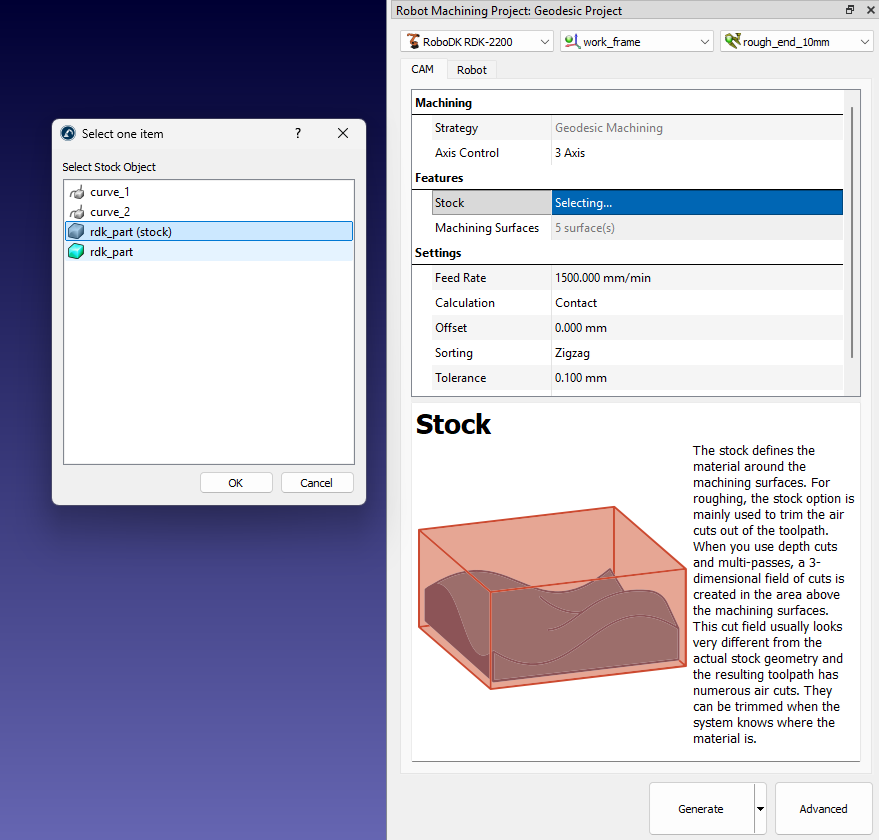
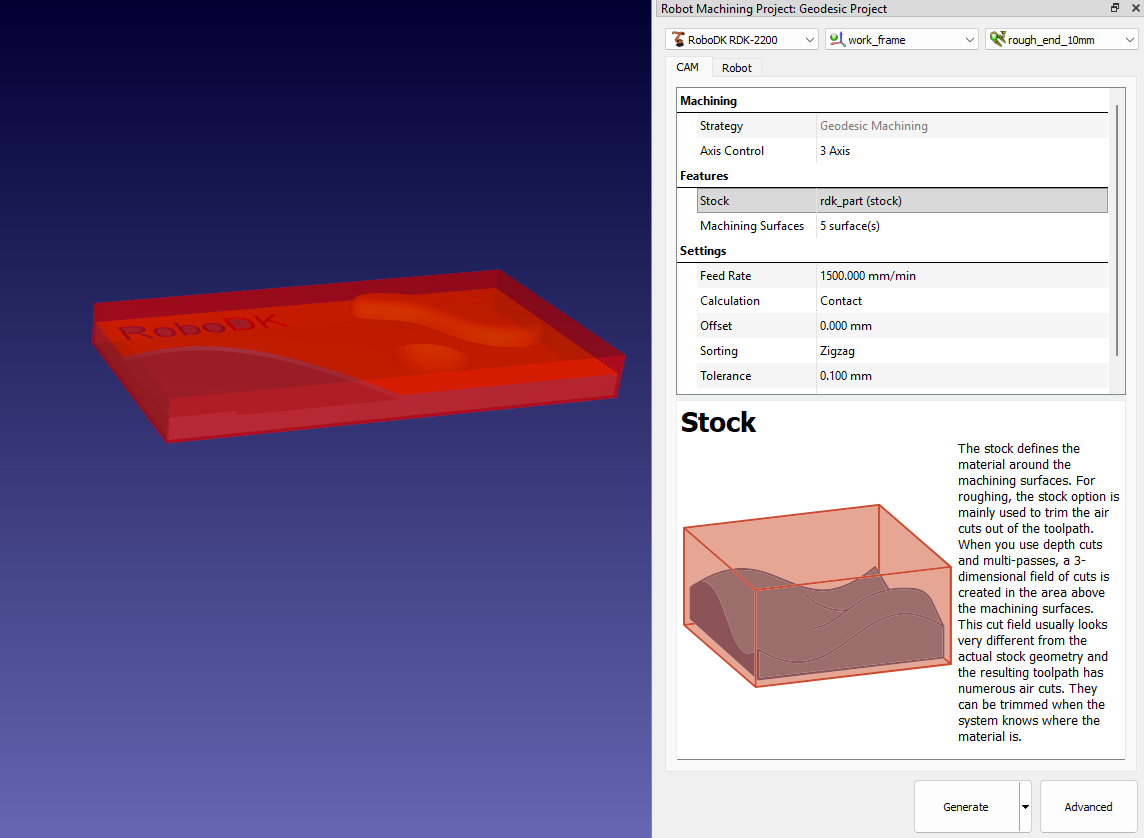
Features selection
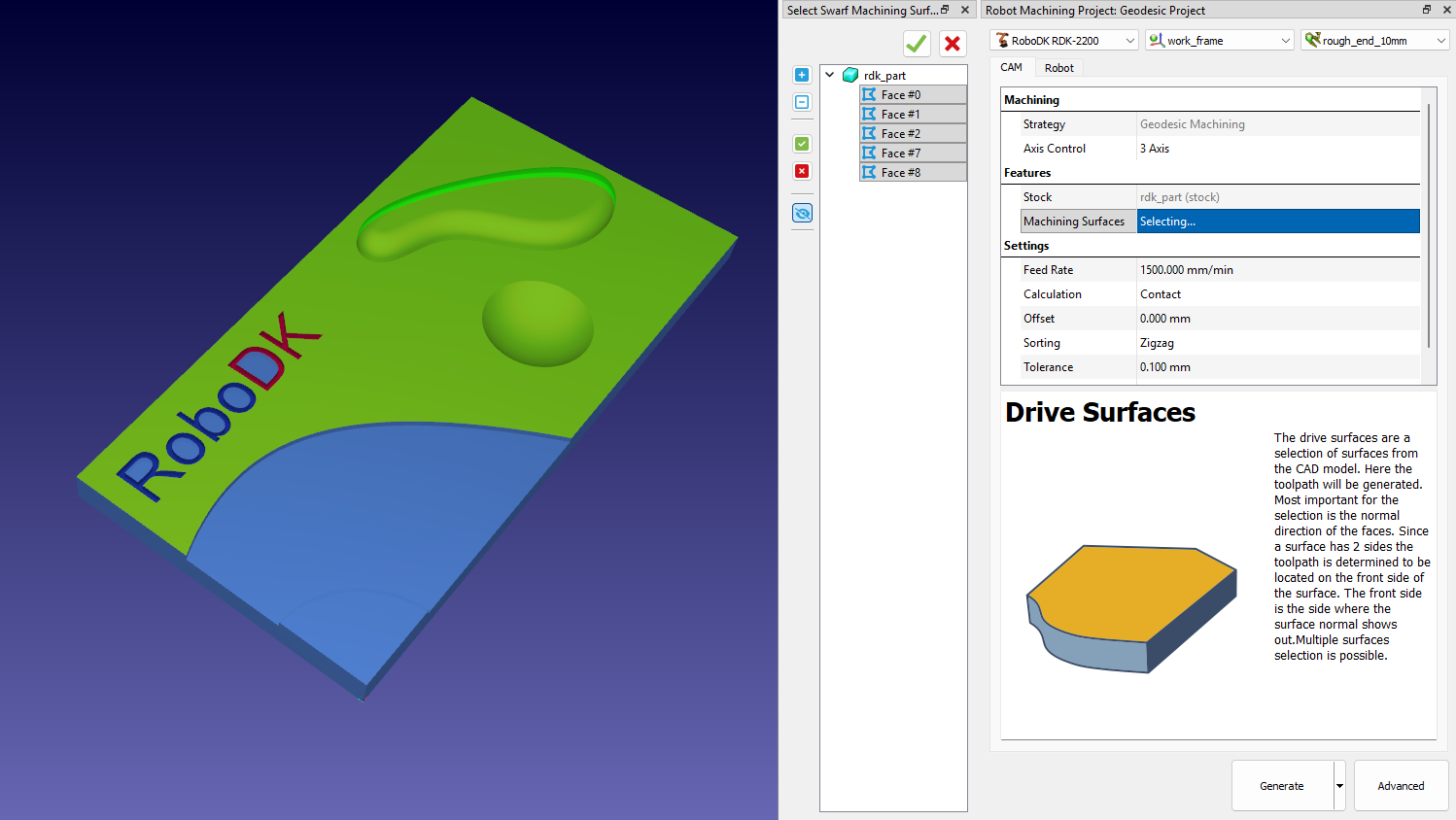
In the Features section, you can select the geometric features required for the strategy.Depending on the strategy, you need to select surfaces, curves, or points. The selector tool is launched by double clicking on the features setting line.
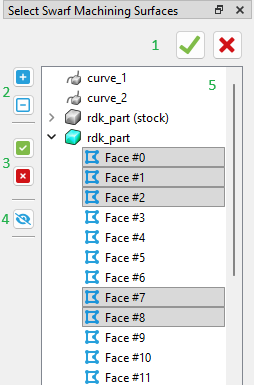
1.Apply selection / Close selector
2.Show tree elements
3.Select all in expanded trees / Clear selection
4.Show / Hide all features
5.Tree view of features
You can check selected geometry features by clicking on selector line.
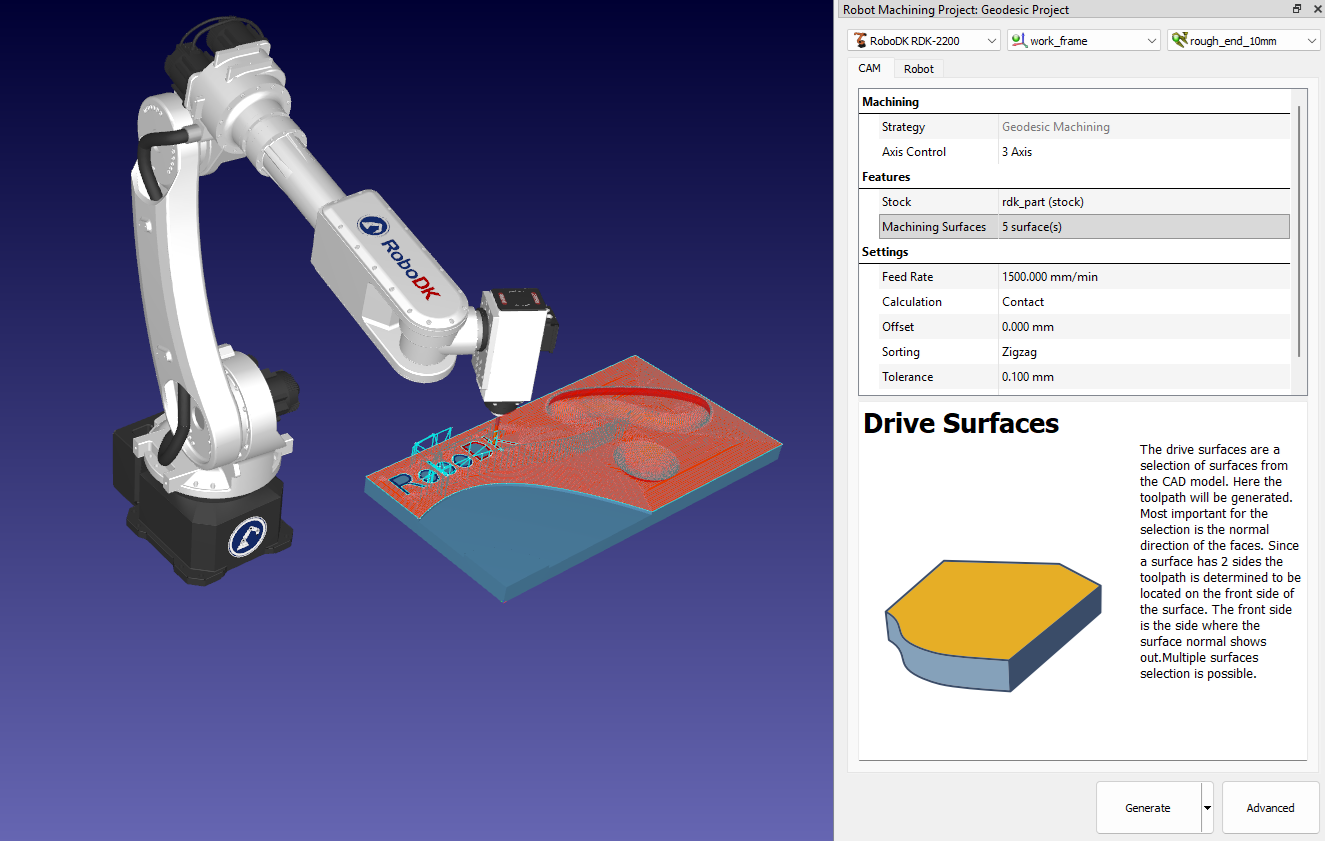
Also, you can specify the model that will be used as a stock.