Generation of the stock object
Right-click on the stock object in the RoboDK station tree and select Generate Stock Geometry.
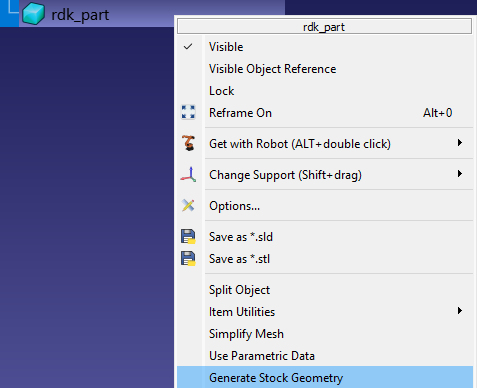
This command will launch the stock creation utility, which uses the original model shape for the generation process.
There are three methods for generating stocks:
1.Bounding box – Box tab
2.Bounding cylinder – Cylinder tab
3.Scaling – From Source Model tab
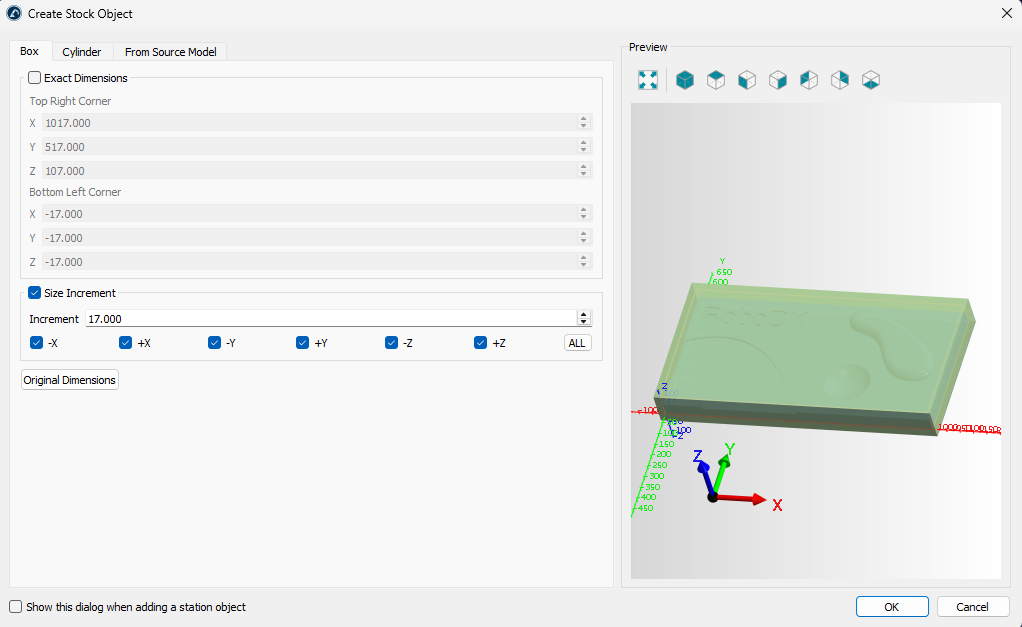
On the Box tab, you can specify the exact dimensions of the bounding box or generate it by extracting (using the Original Dimensions button) and enlarging specific dimensions.
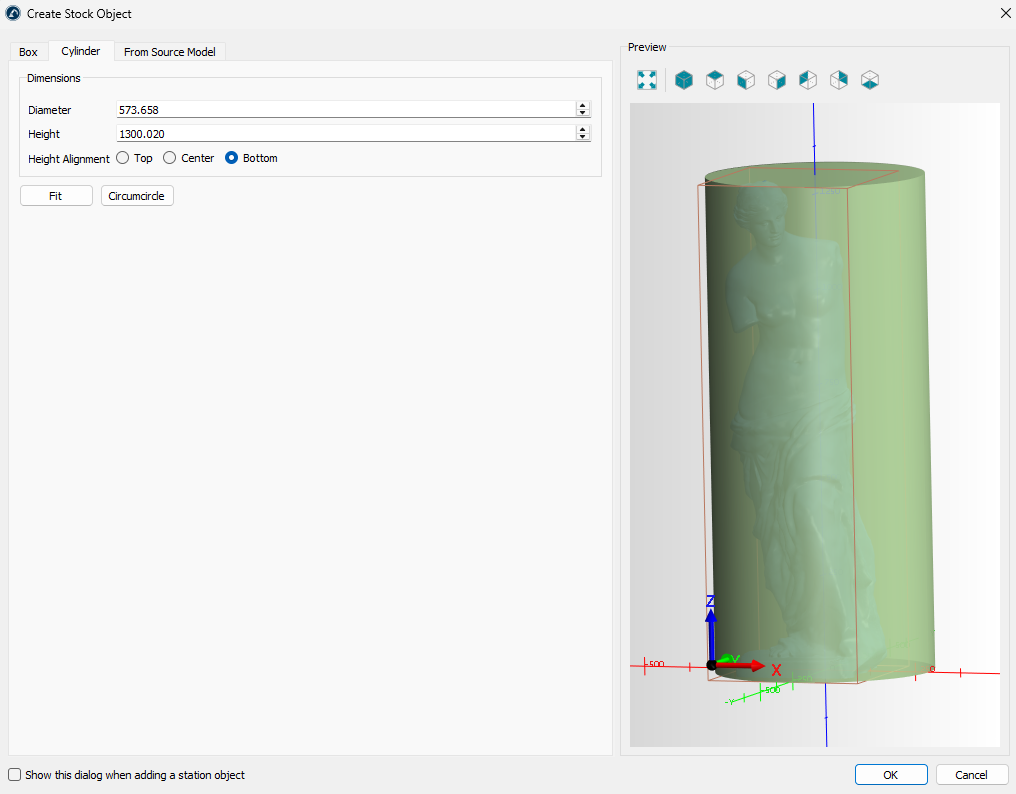
The Cylinder tab allows you to create a stock in the form of a cylinder containing the original model.
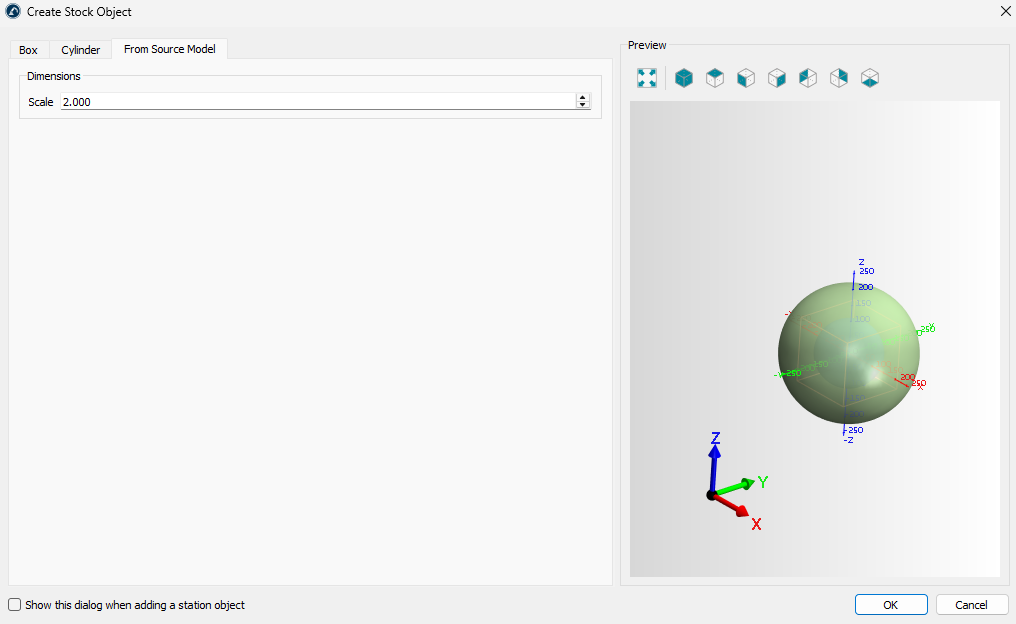
The From Source Model tab allows you to create a stock in the form of a scaled original model.