Link the robot
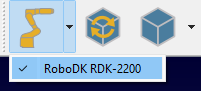
Use the down arrow on the Link Robot button to bring up a menu of available robots and link the simulation to one of them. If the button is in a selected state (the robot is linked), pressing it will cause the robot to disconnect from the simulation.
The linking between the robot and the simulation can also be done using the context menu in the station tree.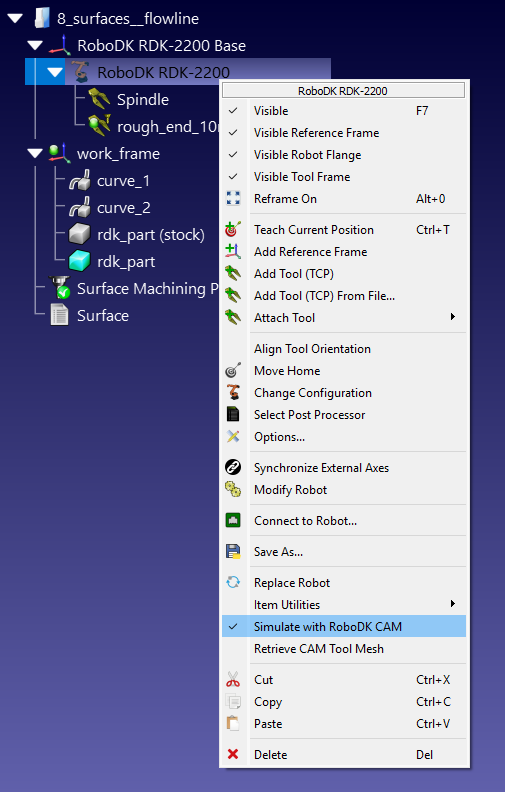
Once the robot is linked to the simulation, any robot movements in the RoboDK window will be repeated by the simulator as tool movements, regardless of the source of this movement: a RoboDK program, a Python script, or manual movement with a mouse.
Note: robot linking command is also available from the CAM-Link Robot menu.


